
§ 01
You want to say yes. Then the work starts.
A customer asks if you can run an AI agent for them. Then another wants a workflow tool, and a third wants a chat app for their team.
Each request becomes a separate server, set up by hand. Every small change goes through your support desk, and after a while nobody is sure who owns what.
AI Admin Panel puts all of it in one panel, on a server you control. Every customer and every app gets a clear owner.
§ 02
Who uses AI Admin Panel
Table 2.1 · Who uses AI Admin Panel
Hosting providers
Turn your servers into an AI service your support team can run.
MSPs
Run your customers' AI apps with a clear owner for each one.
Agencies and AI professionals
Build AI apps, put them live on your server and hand them over.
Businesses
AI tools for your business, run by a provider you can call.
§ 03
Select a unit to pull it out. Arrow keys move between units.
You decide where your customers' AI runs.
AI Admin Panel installs on your own Linux server. From there you put AI apps live from the catalog, from Git or from a Docker Compose file. The catalog lists 50 apps in version 2.17.0. They range from agents like OpenClaw and Hermes to workflow tools like n8n, chat apps and local models.
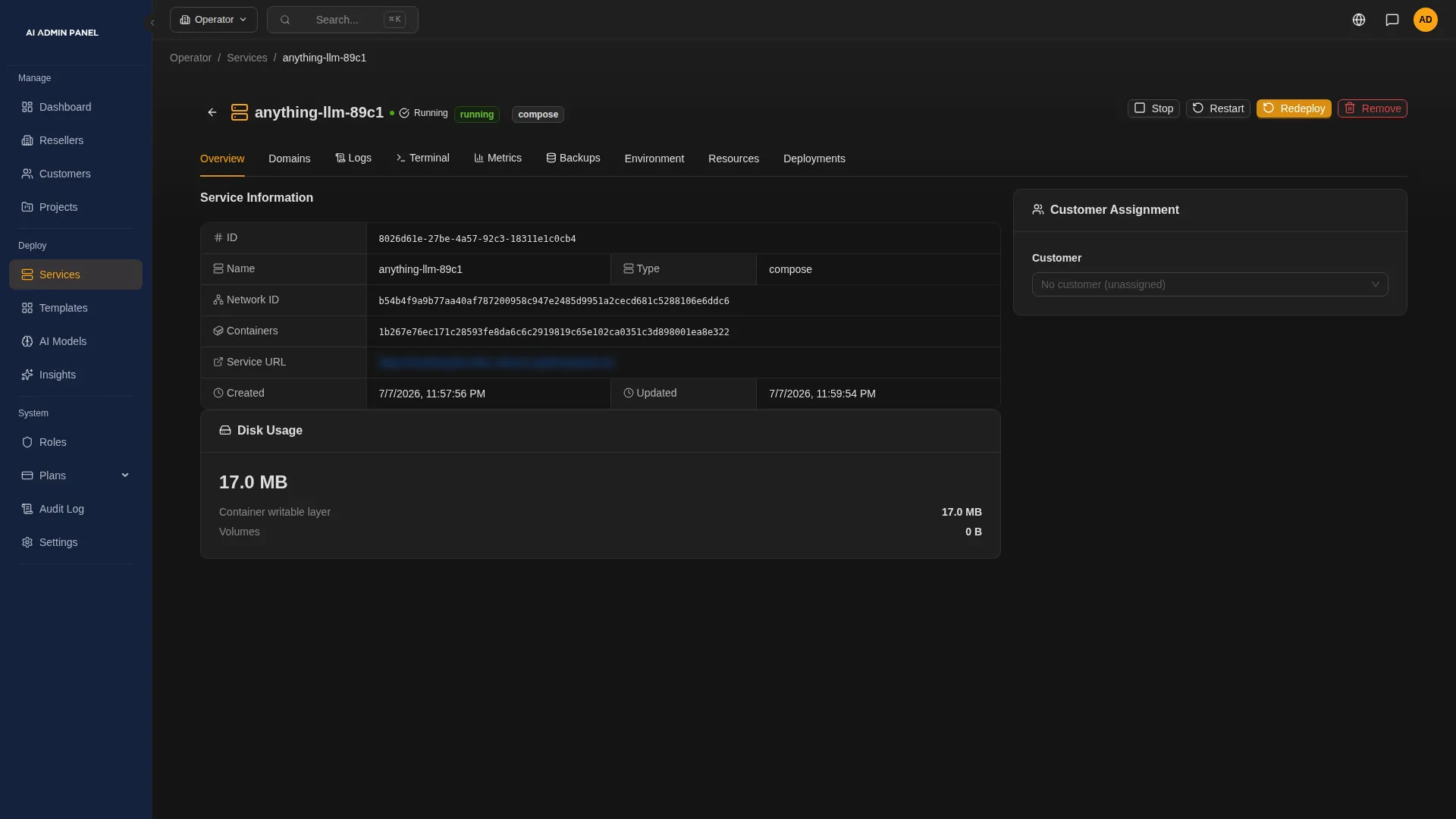
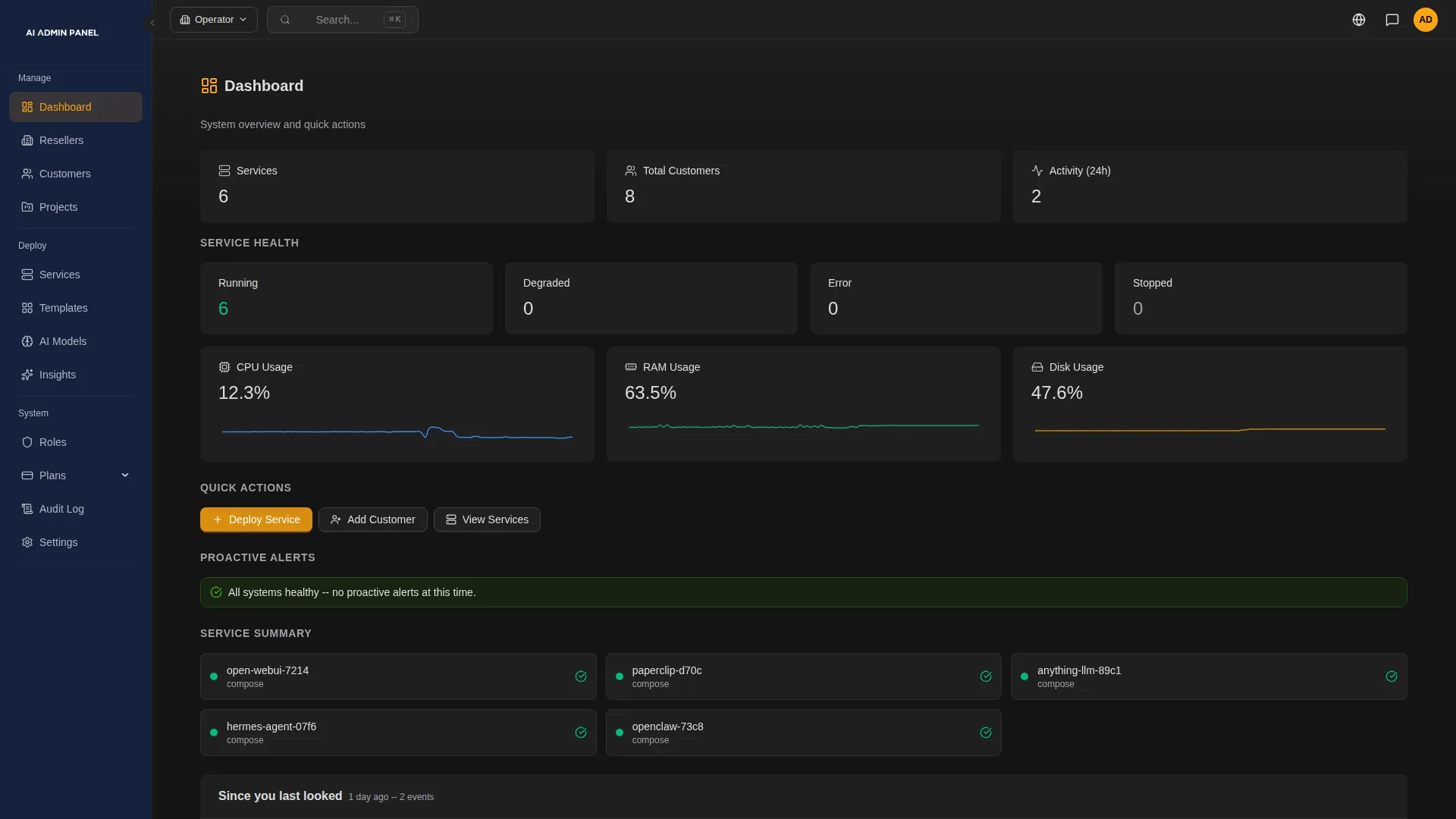
You also see how your apps are doing. The panel flags what needs attention, on the server and in each app, and you open an app's logs from there.
Note
The catalog lists what we package. Check each app with your own setup before you sell it.
Every customer gets their own account and sees only their own apps.
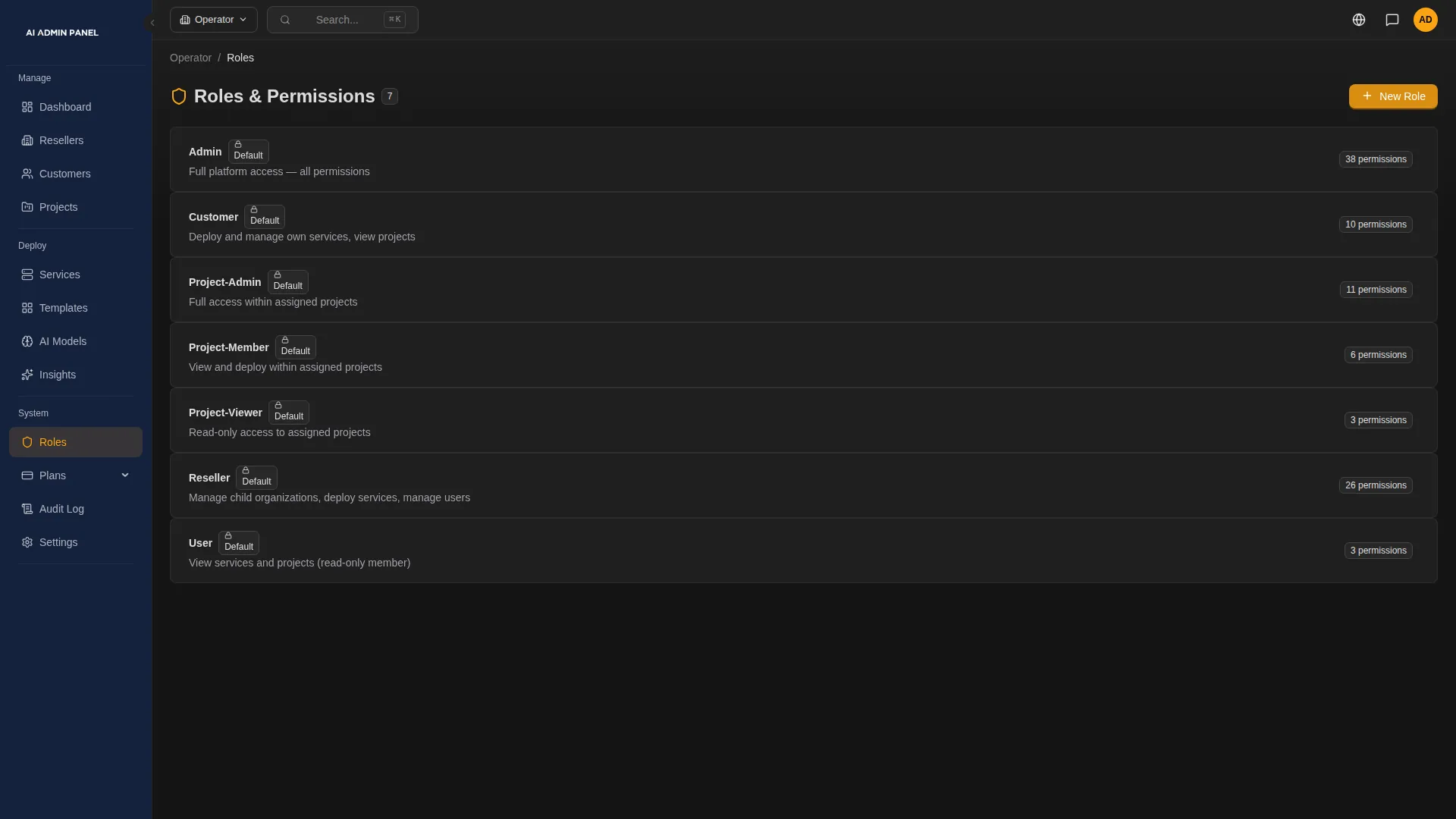
Set up plans that decide how many apps and how much capacity each customer gets. Then invite each customer's team. Their portal covers the routine things: checking an app, restarting it, seeing what their plan includes.
If you distribute AI Admin Panel to other providers, the Partner Center issues and tracks their licences.
Note
Plans, roles and resellers inside the panel come with the Web Host edition. Your billing system still sends the invoices.
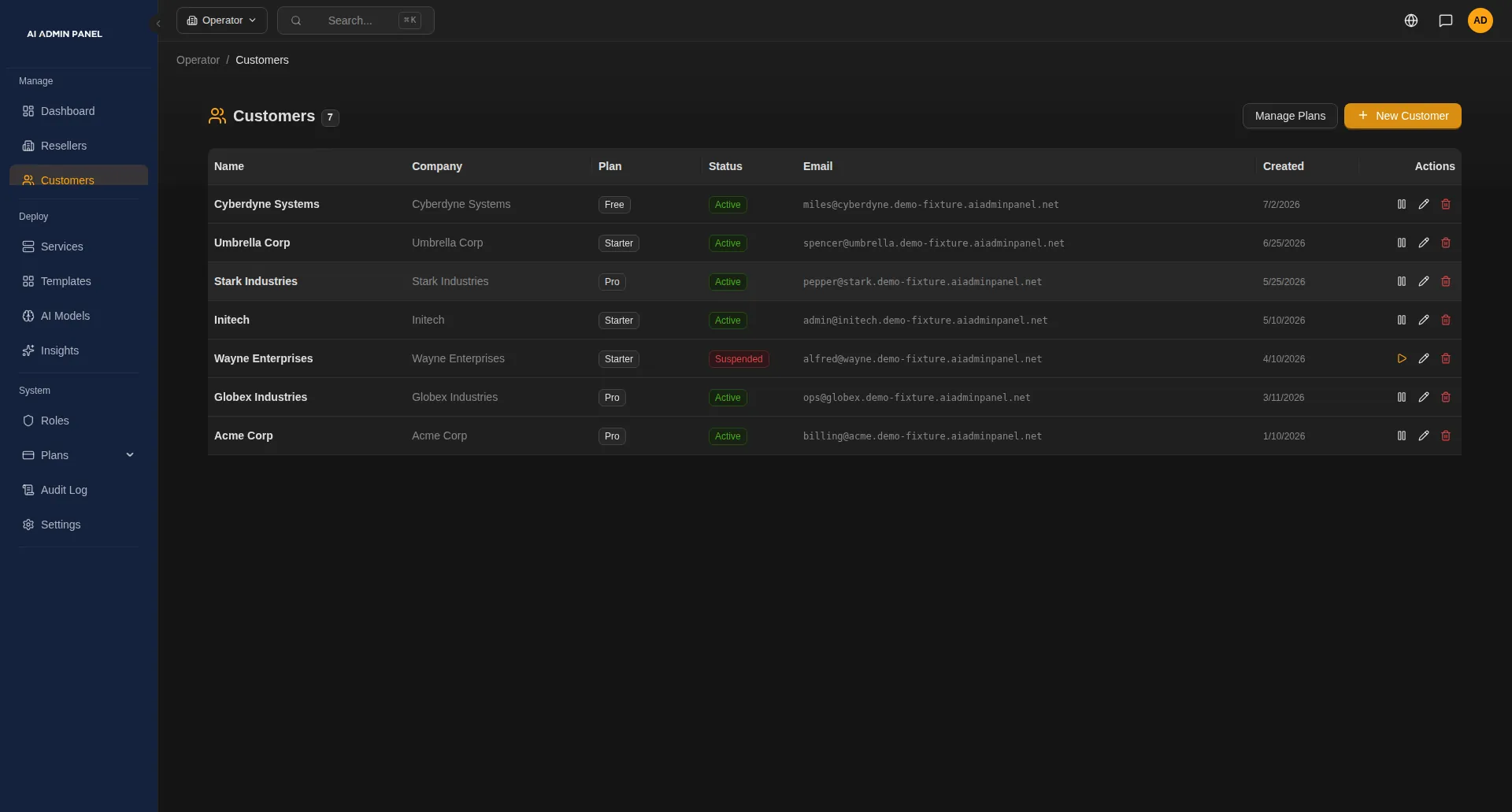
You decide who may do what, and which AI service your apps use.
Switch on only the optional customer features you are ready to support, such as their own AI key. For apps that support it, you choose the AI route when you deploy. It can be the customer's own key, your metered key with a monthly budget, or a local model. Other apps take an AI key in the deploy form or set their AI provider inside the app.
Caution
If an app uses an outside AI service, its requests leave your server.
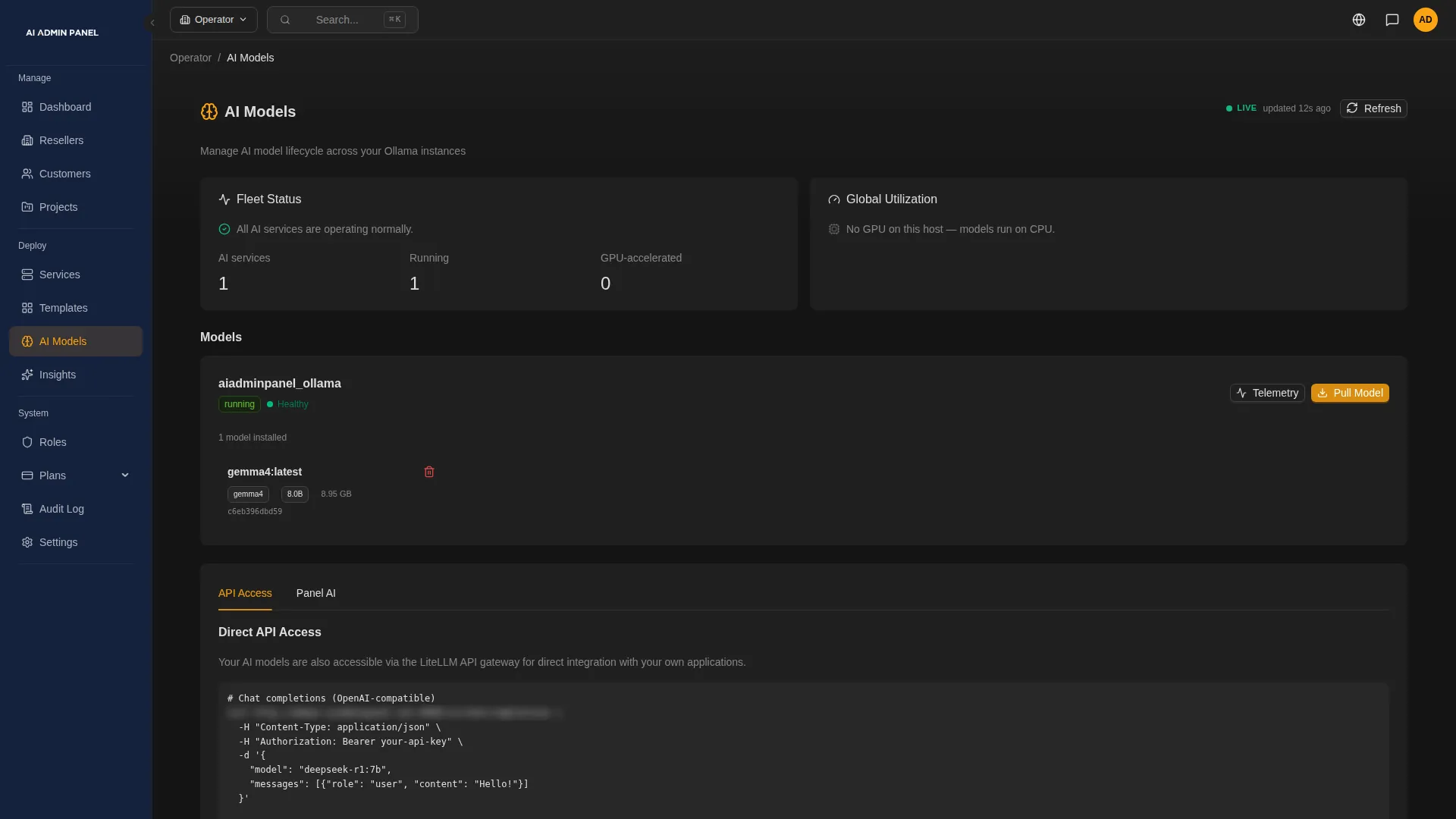
Install it on your server.
One command on a supported Linux system, then a setup wizard in the browser.
curl -fsSL https://get.aiadminpanel.com -o install.sh && bash install.shAdd your customers.
Create their accounts and invite their teams. In the Web Host edition, you also give each one a plan.
Put their AI apps live.
Pick an app from the catalog or deploy from Git. Where the app supports it, choose its AI route.
| Release | Version 2.17.0, released on 18 October 2026, with public documentation. |
|---|---|
| Catalog | 50 apps in the catalog, each one named on our templates page. |
| API and MCP | A documented API, and MCP access for your team and, where you allow it, for your customers. |
Note
We are early, and we have no customer numbers to show you yet. So we show you the product instead.
§ 04
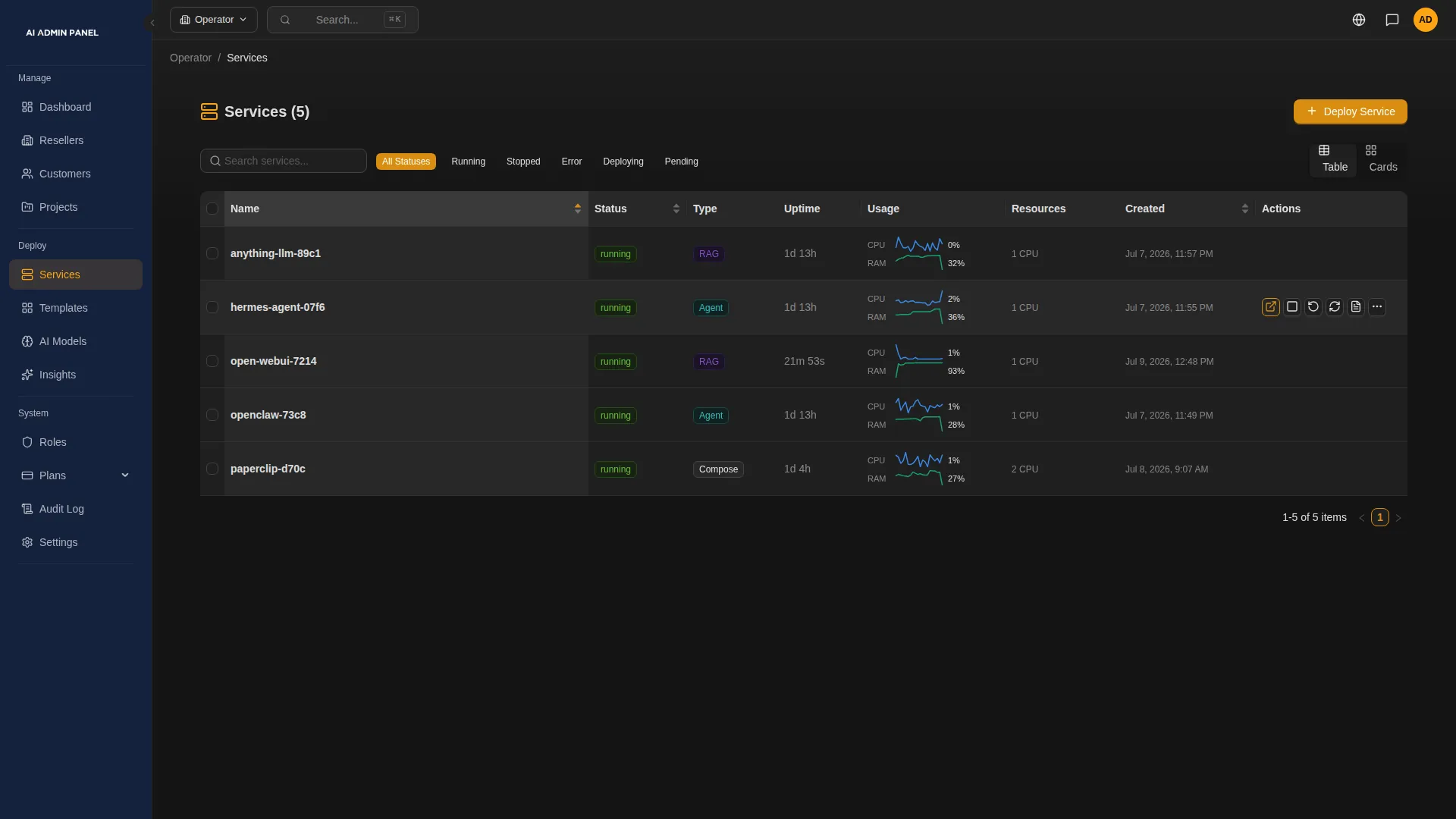
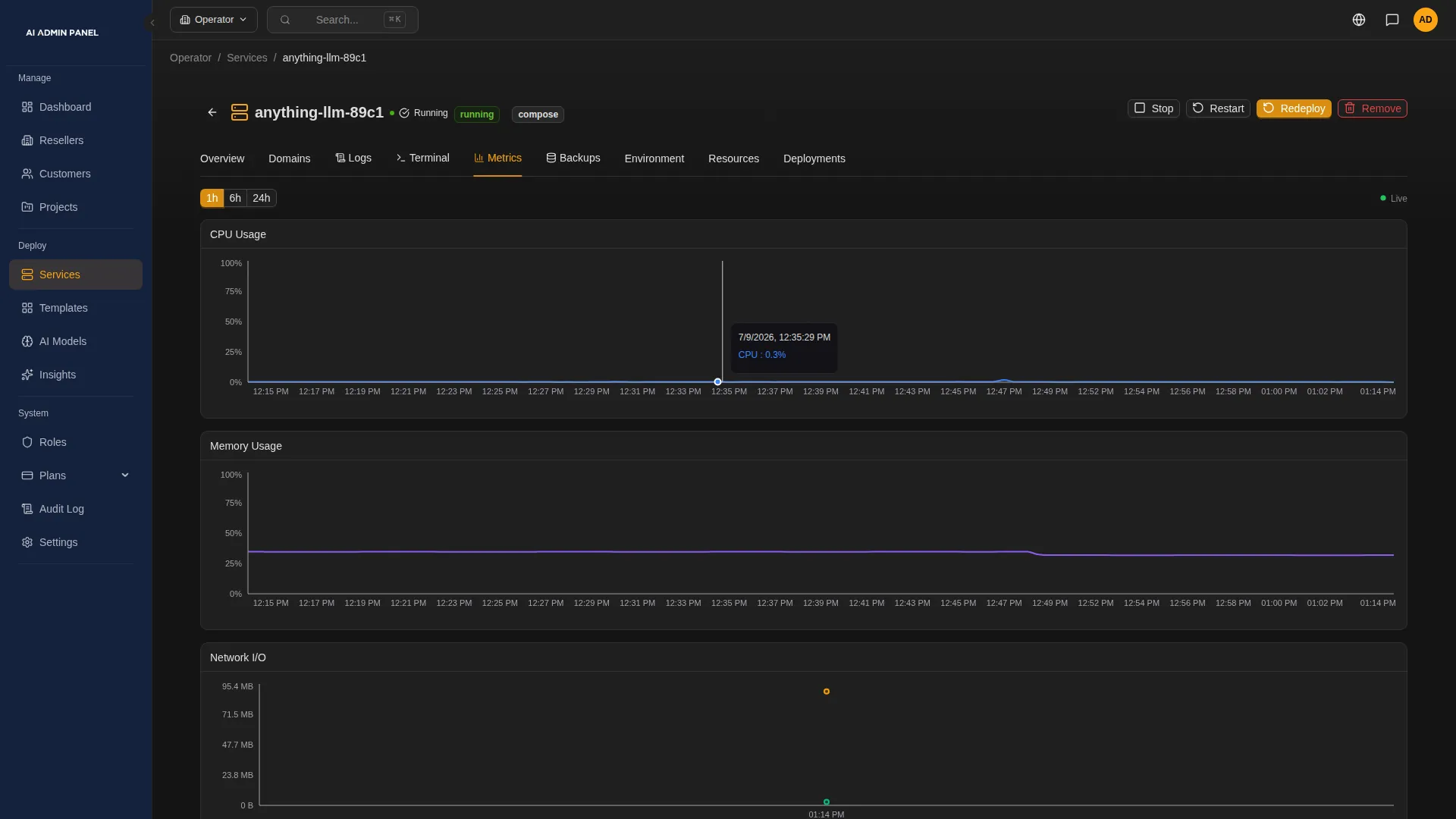
See the panel
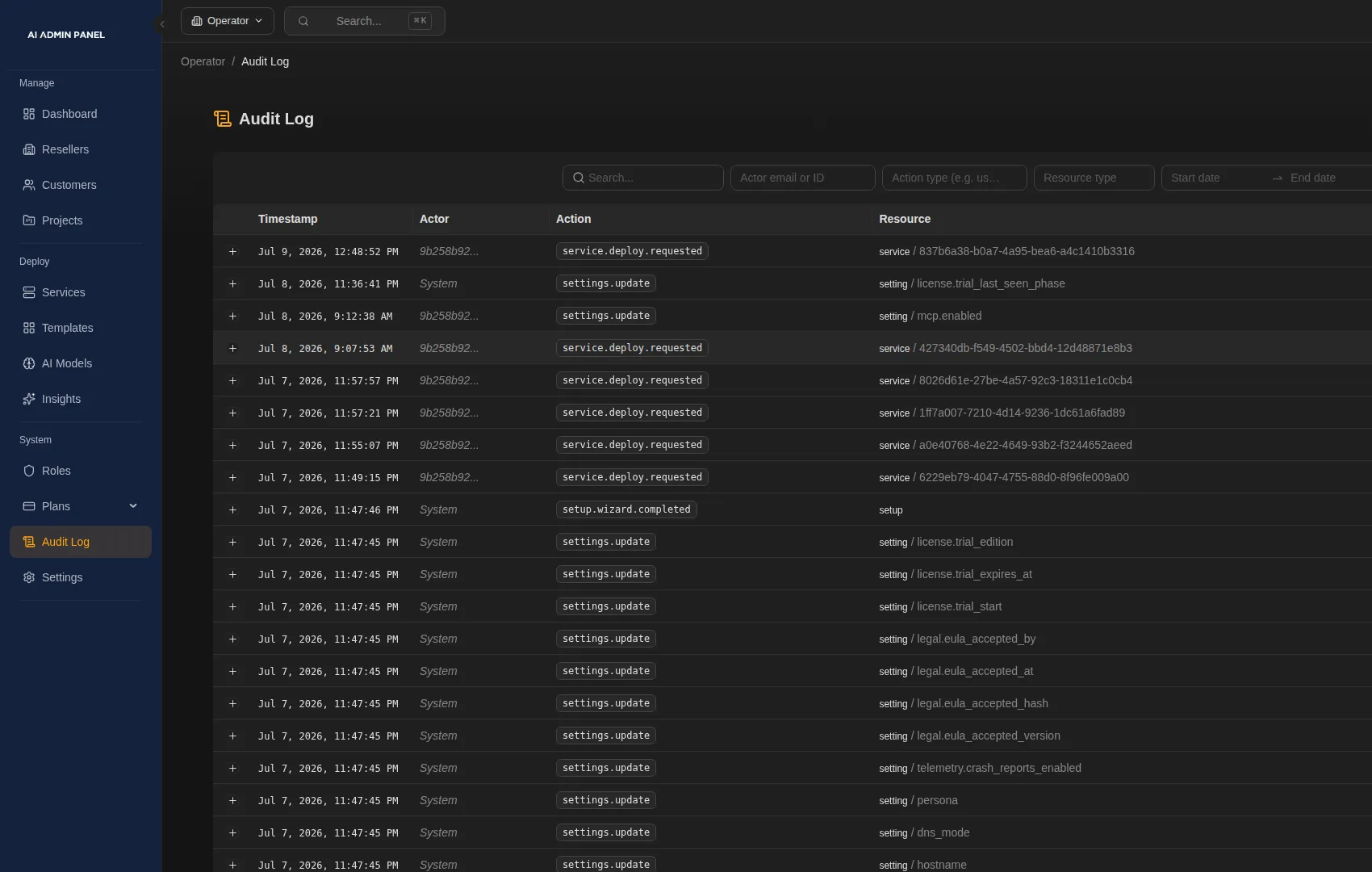
Screens from an earlier build of the panel, with made-up customers.
§ 05
50 apps in the catalog of version 2.17.0.
OpenClaw
2 cores, 3 GBBuild and run AI agents that use tools, through a gateway with its own password. AI route chosen at deploy. Review its tool settings inside the app.
Hermes Agent
1 core, 2 GBNous Research's agent, with a web dashboard for multi-step tasks. AI route chosen at deploy. Chat channels connect in its own dashboard.
Ollama
2 cores, 4 GBRuns open models such as Llama, Mistral and Gemma on your server. A GPU isn't required, and speed depends on your hardware.
vLLM
4 cores, 8 GBAn OpenAI-compatible engine for serving models under heavy use. It needs a GPU.
LiteLLM Proxy
1 core, 1 GBOne OpenAI-compatible endpoint for many AI providers, with keys, budgets and spend tracking. AI route chosen at deploy.
Open WebUI
1 core, 1 GBA chat interface for local and OpenAI-compatible models, with several users, document upload and web search. AI route at deploy: a local model.
Qdrant
1 core, 1 GBA vector database for semantic and document search, with a web dashboard. Its API key is generated at deploy.
n8n
1 core, 512 MBVisual workflow automation with many ready-made integrations. Incoming webhooks work once the app is public.
Langflow
1 core, 2 GBA drag-and-drop builder for AI agents and document search. AI providers are set up inside the app.
Dify
2 cores, 6 GBA visual builder for chatbots, document search and AI agents. AI providers are set up inside Dify.
23 AI apps, 6 databases, 10 developer tools and 11 web apps.
See all 50 apps§ 06

Why I built it
I spent about twenty years in the hosting industry, working with hosting providers and the people who build on them. Then I started an AI agency. Every customer needed their own separate setup for AI, and I couldn't find a panel that did that. So we built one.
More about us§ 07
What we're working on
| No. | Change | Status |
|---|---|---|
| 7.1 | Deploying from private GitHub repositories. Connecting a GitHub account is in preview today. | No date given |
| 7.2 | Restore for more kinds of app. | No date given |
| 7.3 | Connections to billing systems. | No date given |
We don't give dates. We'll tell you when each one ships.
§ 08
Questions people ask
Do I have to replace cPanel or Plesk?
No. Your hosting panel keeps running your websites and email. AI Admin Panel runs the AI apps, on a separate server you set up for it.
What does the free edition include?
Up to three customers and five services, with the catalog, monitoring, notifications, the customer portal and the audit log. Power User removes those limits and adds custom domains and S3 backup. Web Host adds organisations, roles, projects, resource and service plans, and resellers. You can try either paid edition for 14 days.
Which Linux systems does it run on?
Certified versions of Ubuntu, Debian, Rocky Linux, AlmaLinux, RHEL and CentOS Stream. Our documentation lists each version.
Does our customers' data stay on our server?
The apps and their data run on your server. Some things leave it: requests to an outside AI service, backups to your storage, and emails and notifications. So do licence checks, updates, certificates and DNS, code fetched from Git, model downloads and any chat app you connect. Profile pictures load from Gravatar, using a code made from each user's email address. Each app can also make its own connections. For apps that support it, a local model keeps the AI requests on your server. Our documentation describes the panel's main connections. The licence agreement also lets the panel send us usage statistics, such as counts of customers and services.
Can my customers break things?
In the panel, they get the actions their plan and role allow, and server-level tools stay with your team. Inside each app, that app's own settings apply.